With Homz, accessing resident information is seamless, organized, and secure.
Follow the steps below to view the details of residents that have been added either by you as the Community Manager or by any authorized team member under your account.
Step 1:
If you have not already done so, and create an account, or log in to your existing account. Once logged in, you will be taken to your dashboard. (If you need help creating an account, refer to the “How to Create an Account as a Community Manager” guide.)
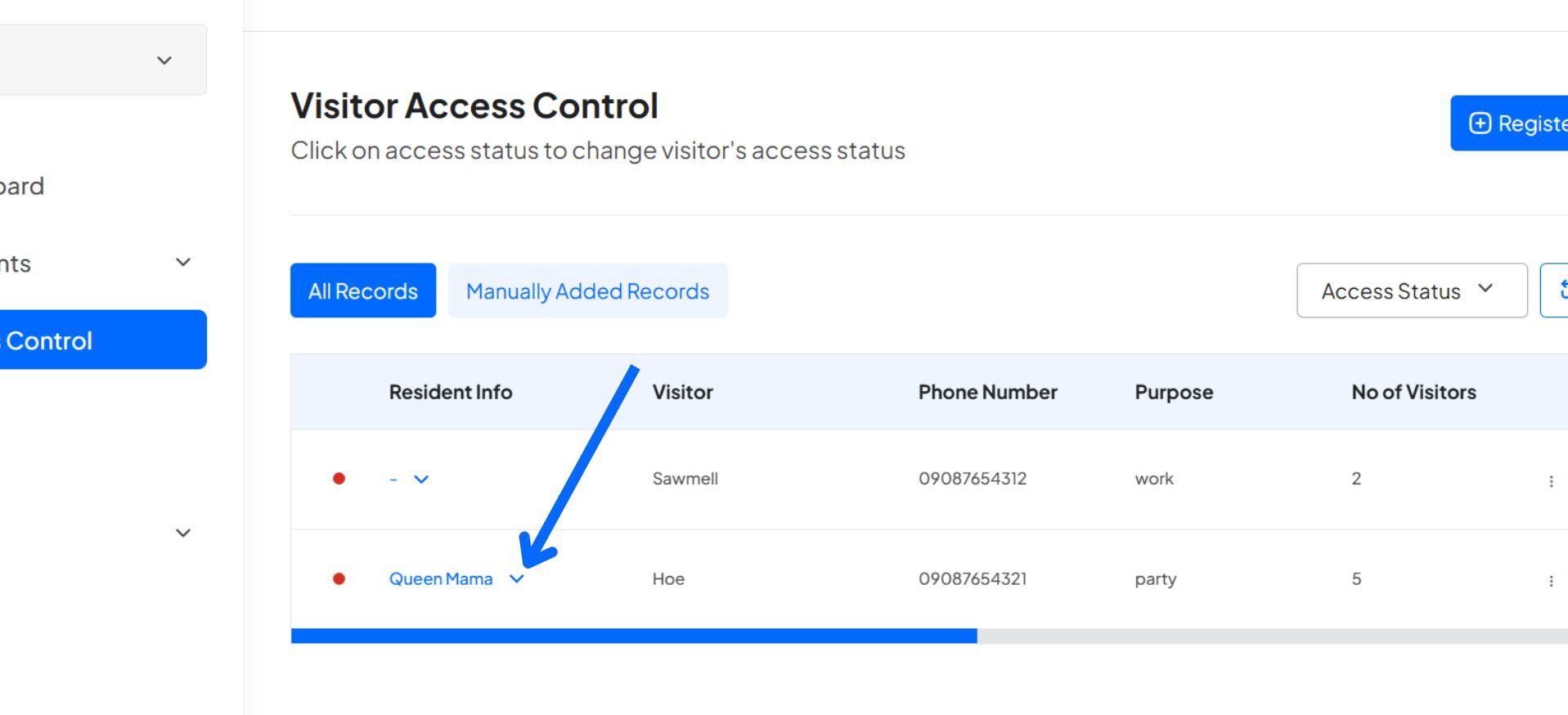
Step 2: On the “Access Control” table, click on the “Down arrow beside the resident’s name” under the “Resident’s Info” column
Please note that the resident’s info will only appear on any visitor that was registered by any of your residents.
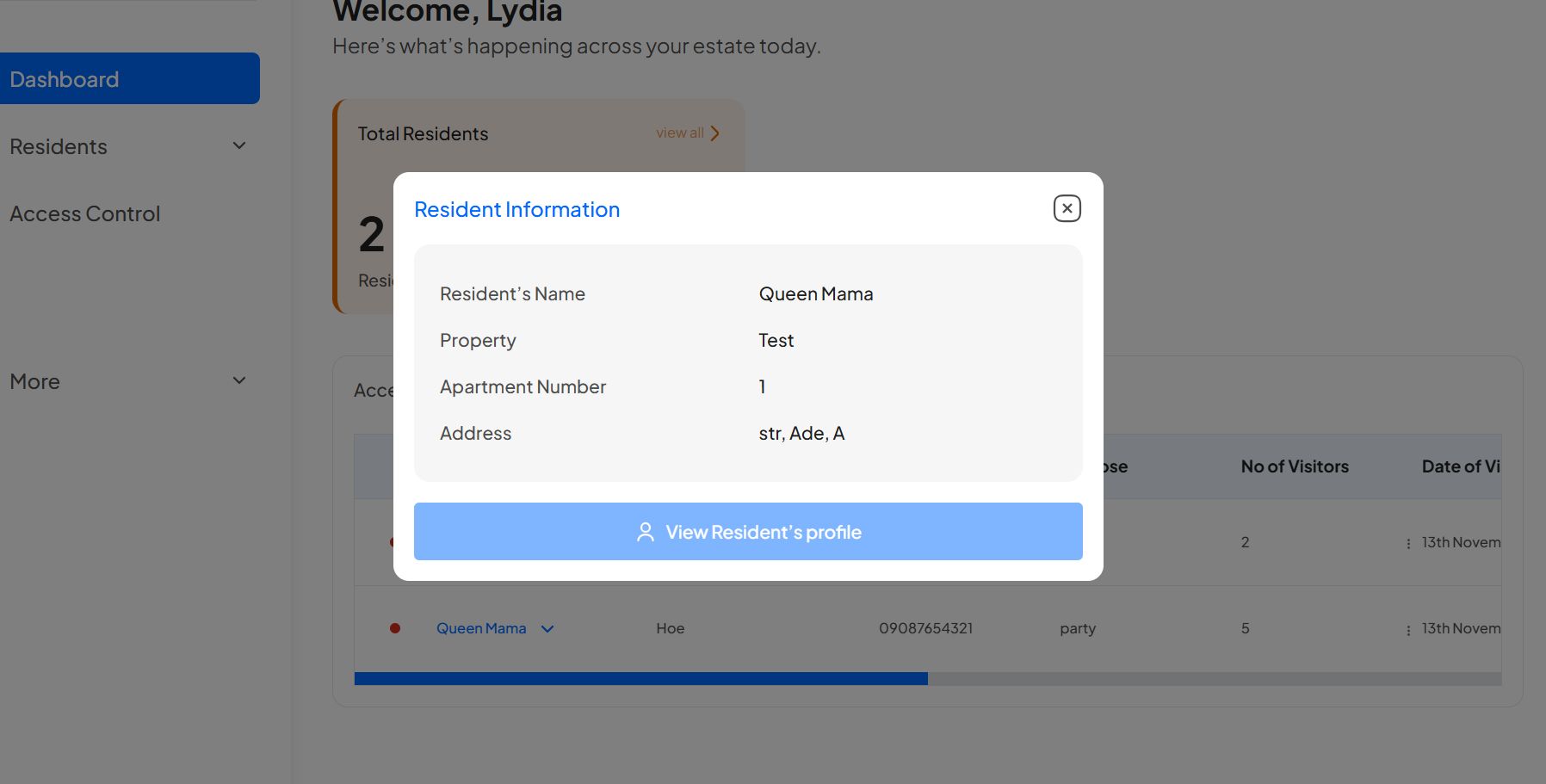
Congratulations, You have successfully viewed your resident’s information. Enjoy!
Learn how to create an account and sign in to your dashboard.
Learn how to switch between your estates.
Learn how to register a visitor and generate an access code.
Learn how to add new residents manually.
Learn how to add new residents via link generation.