
Creating an account on Homz Community Management is done through a guided onboarding process to ensure that every Community Manager receives the right setup and support from our sales team. Please follow the steps below:
Step 1: Visit the Homz Community Page
Go to https://community.homz.ng to begin the onboarding process.
Step 2: Click “Get Started as a Community Manager”
On the homepage, locate and click the button labeled
Get Started as a Community Manager.
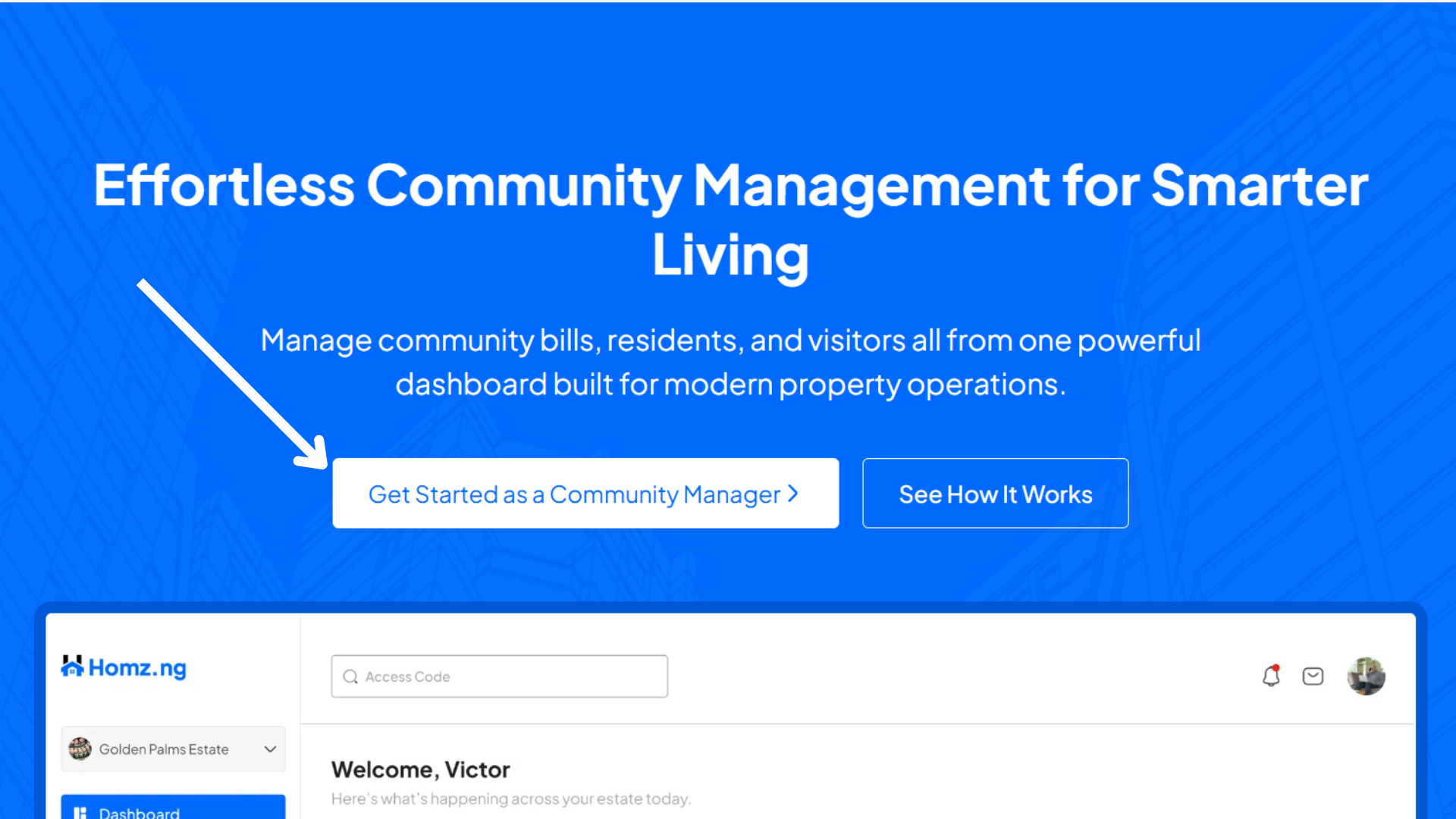
This button will direct you to a booking page where you can schedule a demo session.
Step 3: Book a Demo Call
Select a suitable date and time for a 15–30 minute demo call with our Sales Representative.
During this call, you will:
- Learn how the platform works
- Ask questions about features, pricing, or onboarding
- Confirm your community’s requirements
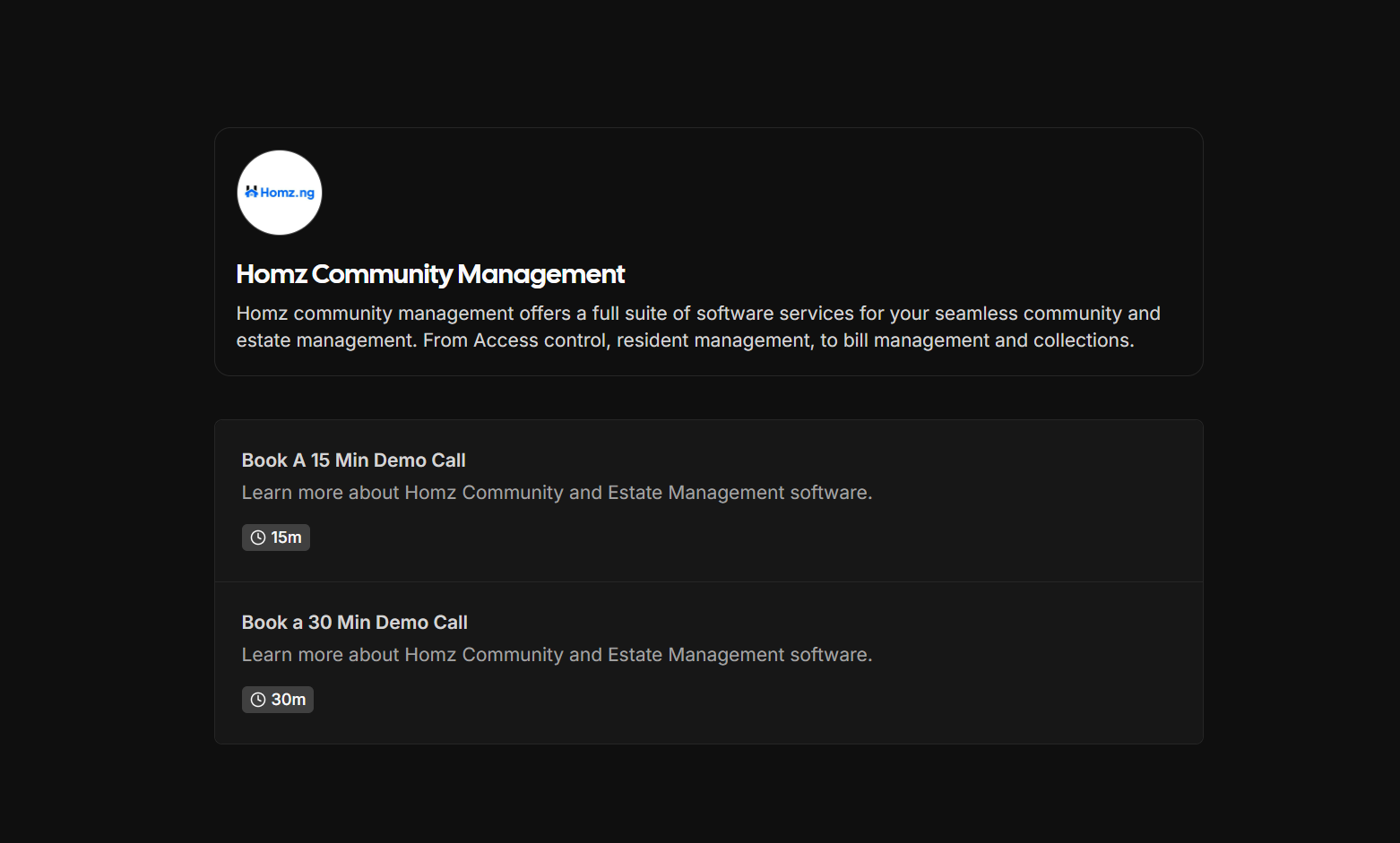
This step is mandatory to ensure proper onboarding.
Step 4: Receive Your Account Creation Link
After the demo call, your assigned Sales Representative will provide you with a secure account creation link.
This link is personalized and gives you access to:
- Create your Community Manager account
- Set up your community profile
- Access the Community Manager dashboard.
Note: The account creation link is only issued after the demo call.
Step 5: Create Your Account
Click the link provided by the Sales Representative and complete the registration form.
You will be prompted to:
- Enter your personal and community details
- Set your login credentials
- Review and accept the terms
Once completed, your account will be activated immediately.
Signing In:
If you already have an account, simply sign in using your credentials.
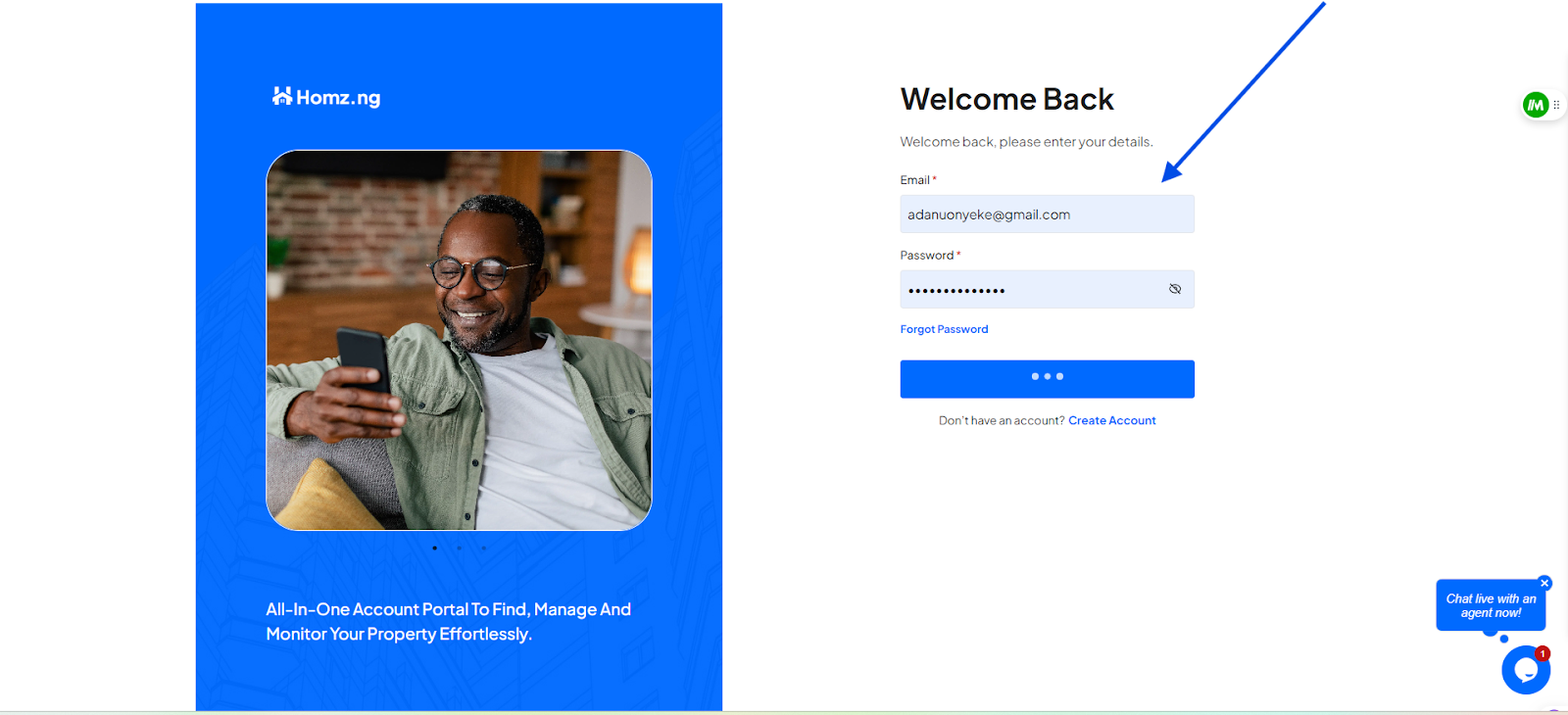
Once you’re logged in, you’ll have access to your dashboard, which is the control center for managing all aspects of your estates.
Congratulations, You have successfully created an account and as well signed in to your account. Enjoy!
Learn how to switch between your estates.
Learn how to add new residents via link generation.
Learn how to view and edit estate details.