Homz makes it easy to expand your portfolio by adding new estates to your management system. Use the steps below to register a new estate within the Community Management dashboard.
Step 1:
If you have not already done so, and create an account, or log in to your existing account. Once logged in, you will be taken to your dashboard. (If you need help creating an account, refer to the “How to Create an Account as a Community Manager” guide.)
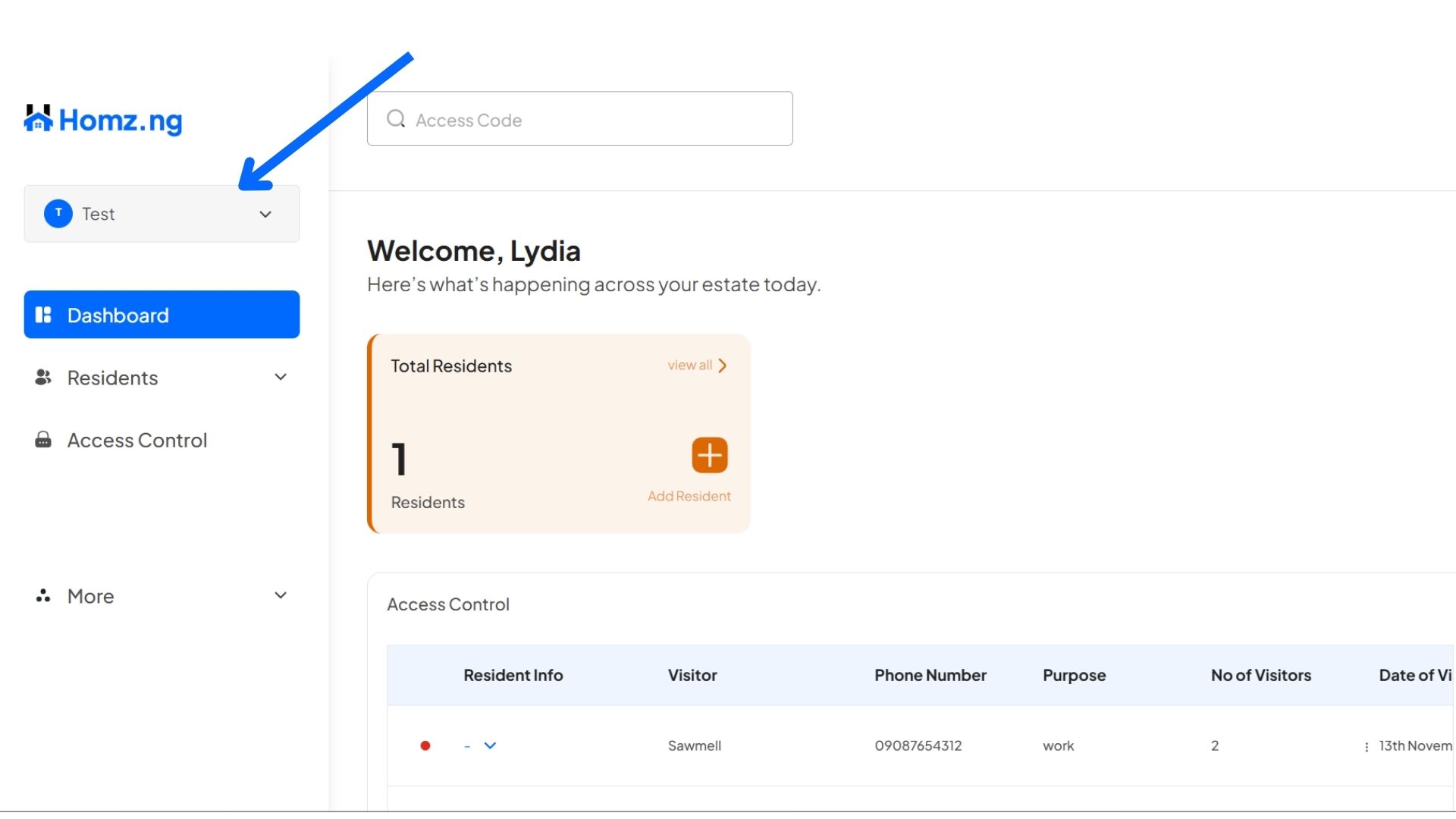
Step 2: Click on the Estate name
On the left-hand panel of your dashboard, click on the “Estate Name” showing.
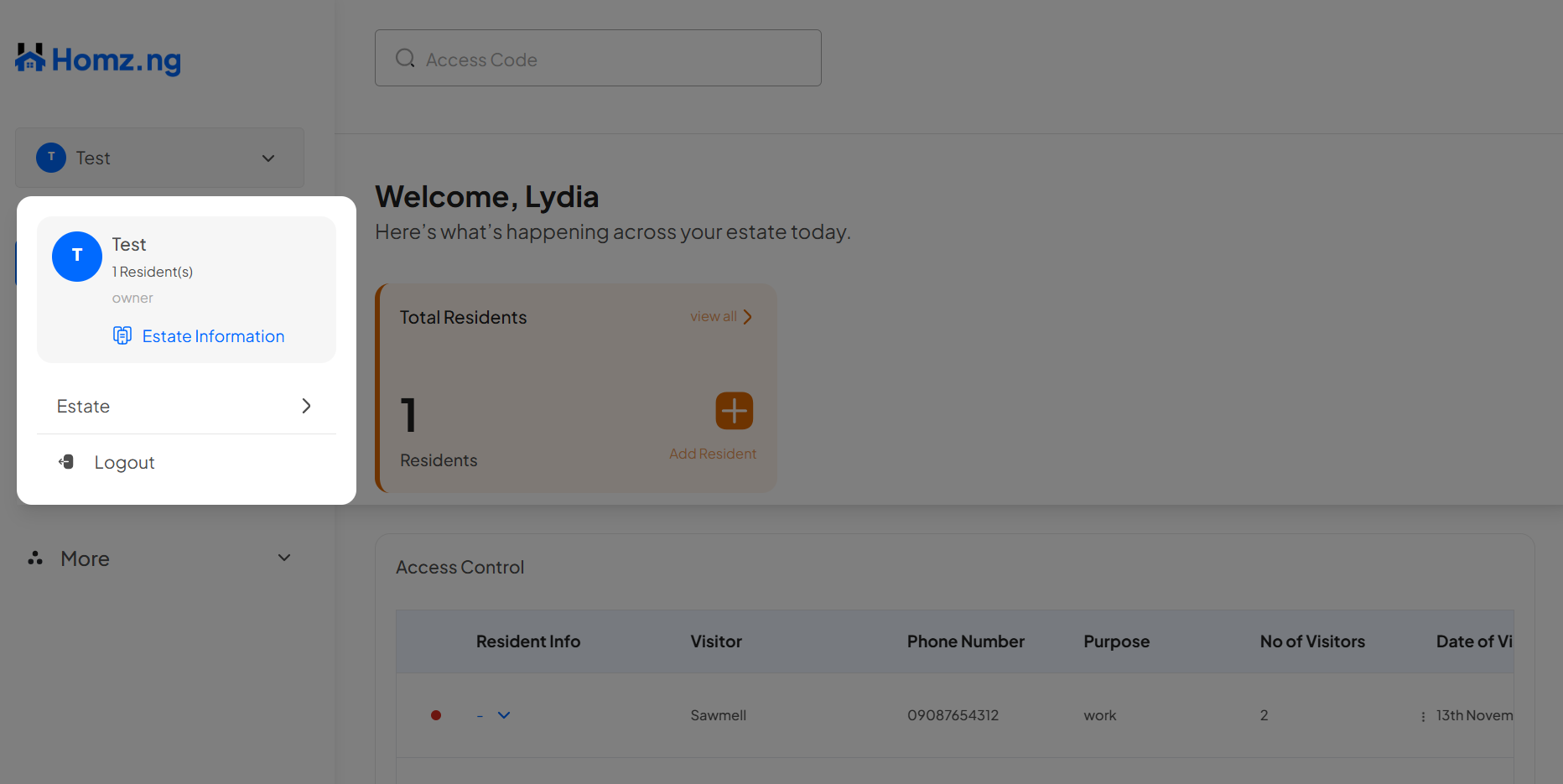
Click on the “Estates” button
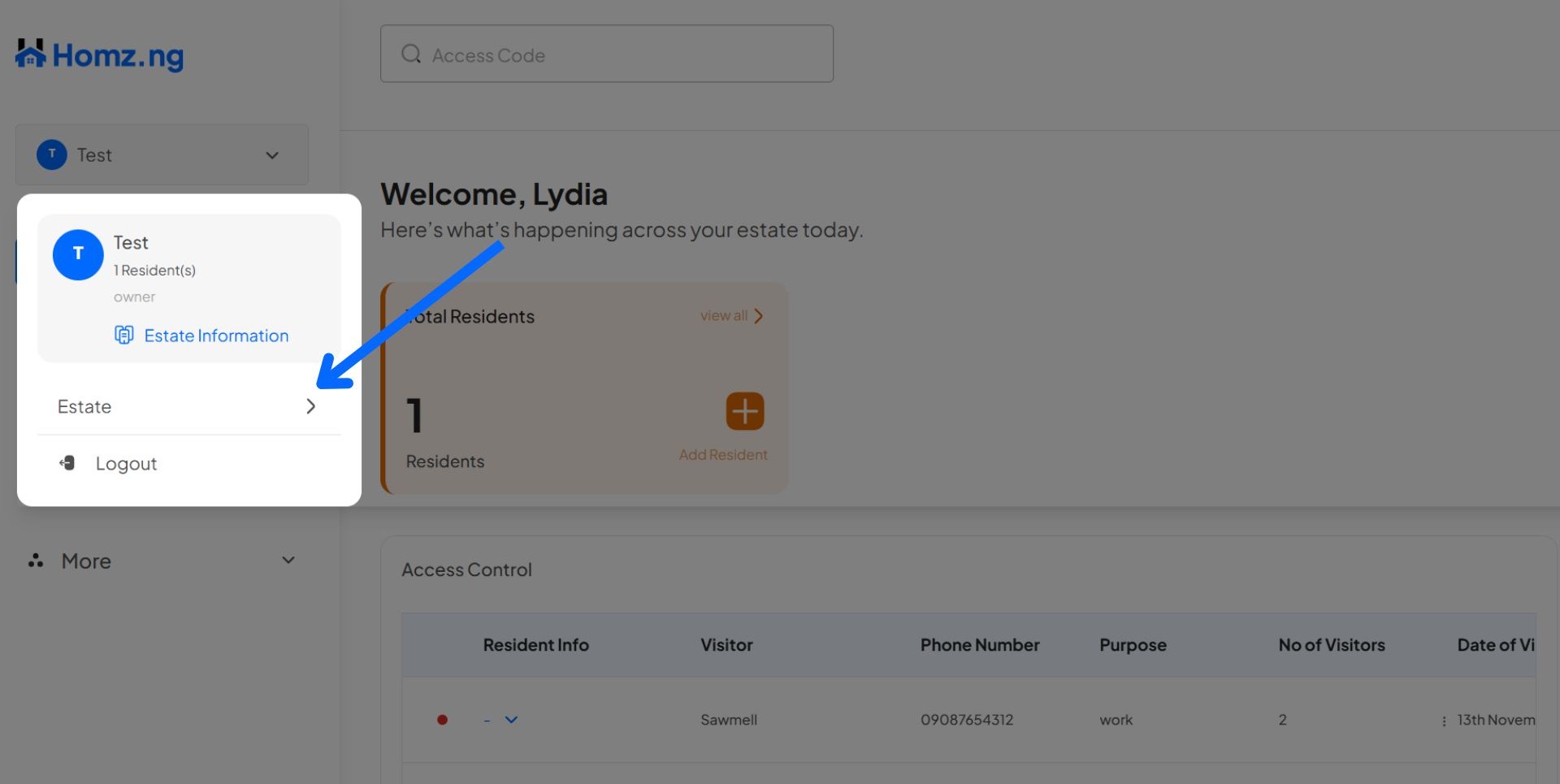
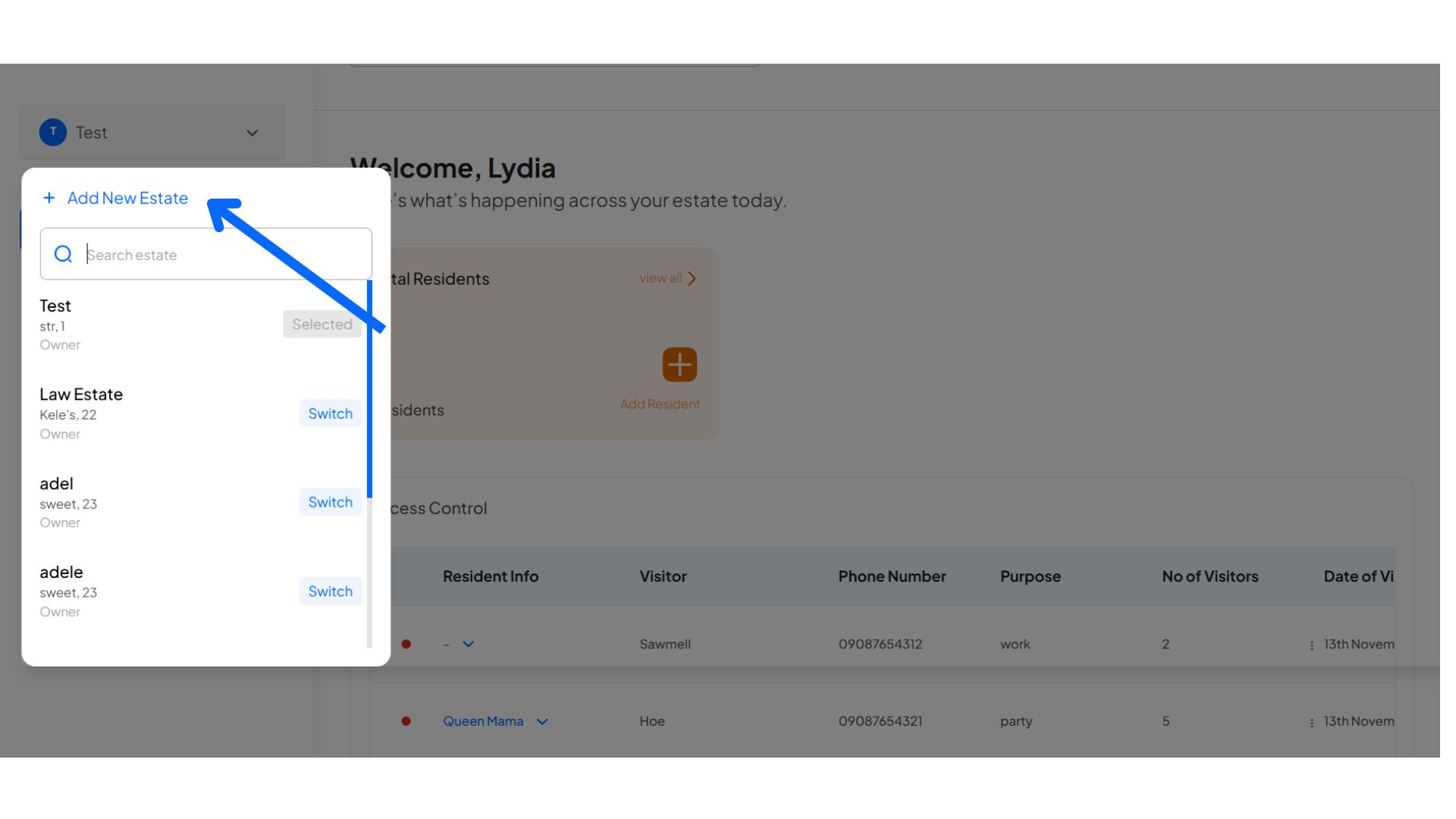
Then, click on the “+ Add New Estate” button to open a new form
Fill in the form appropriately
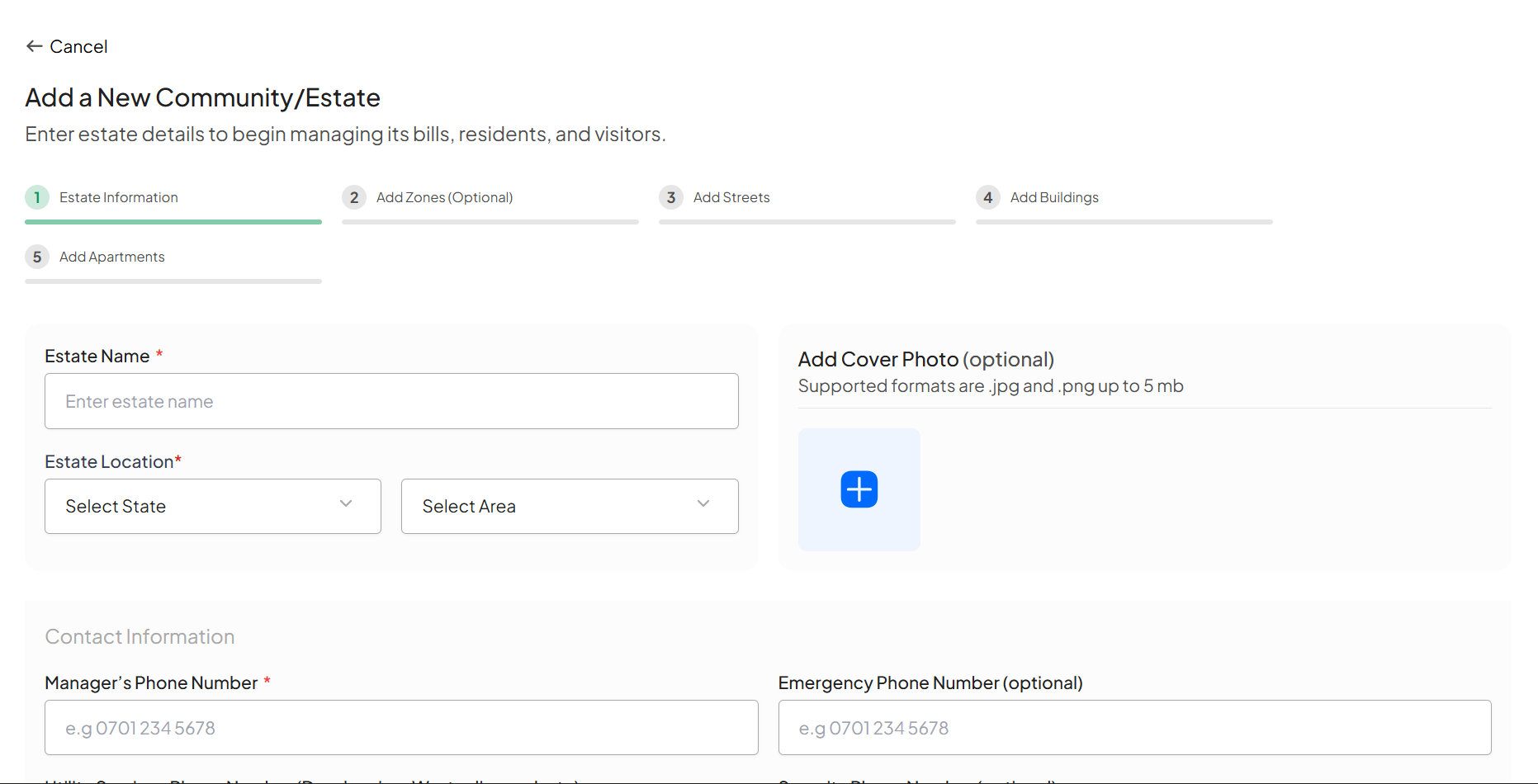
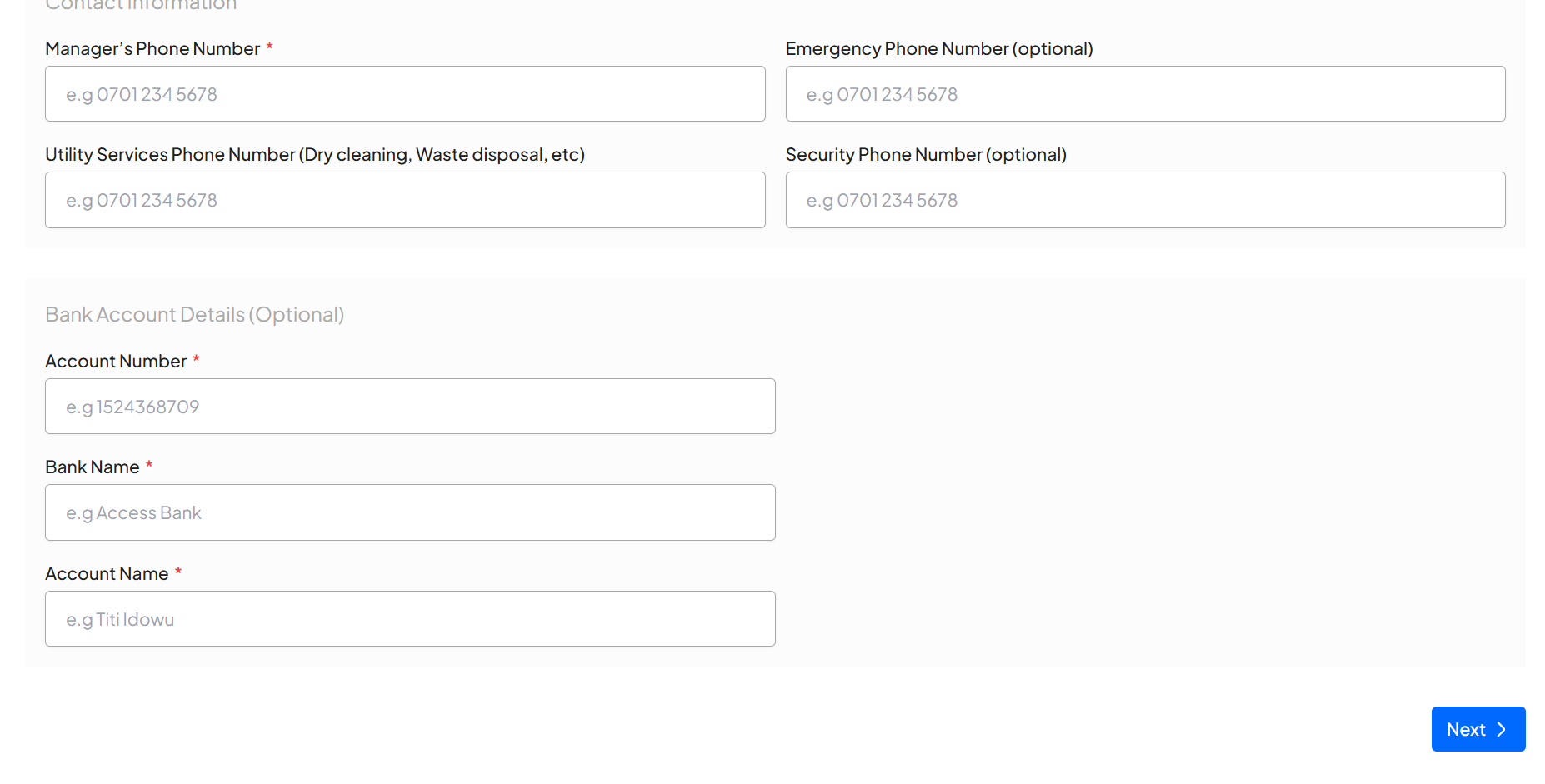
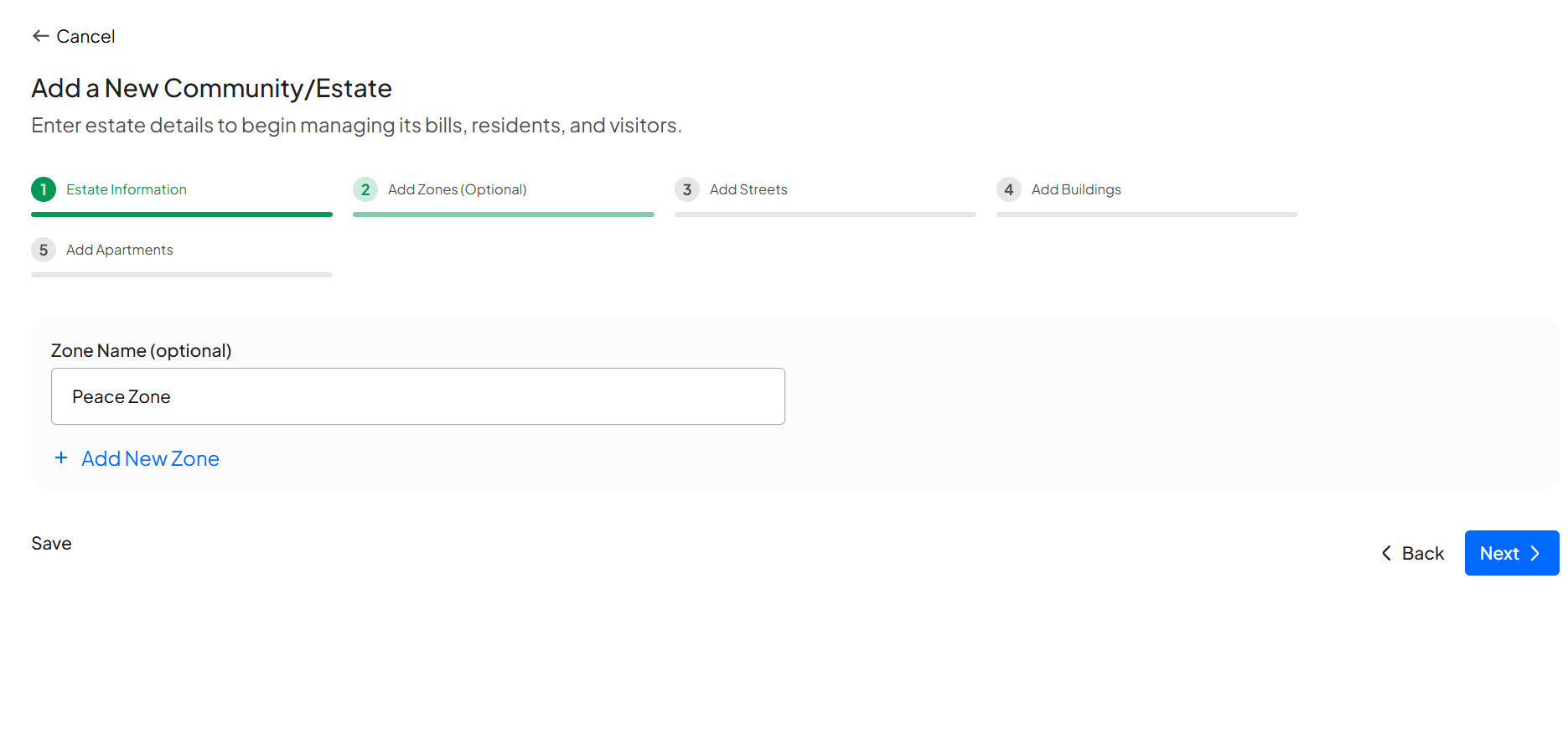
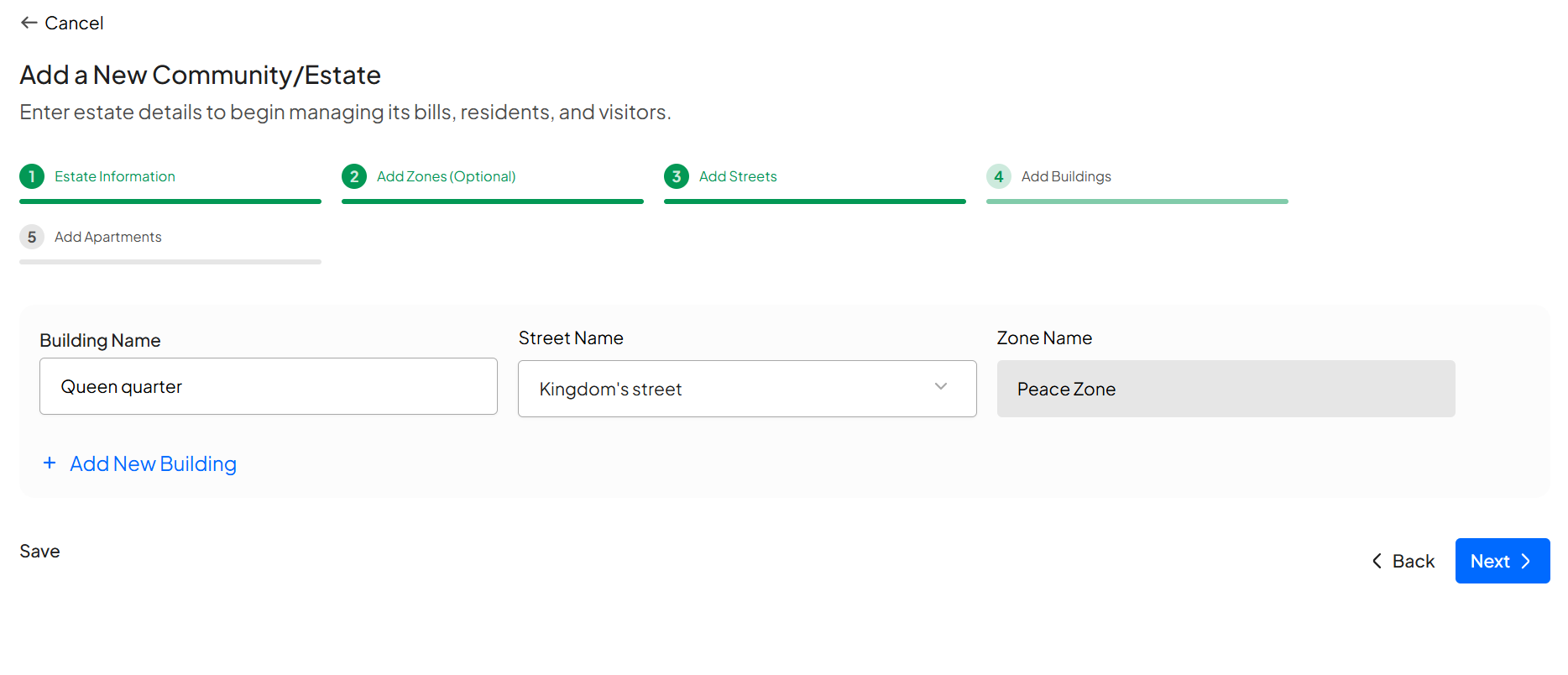
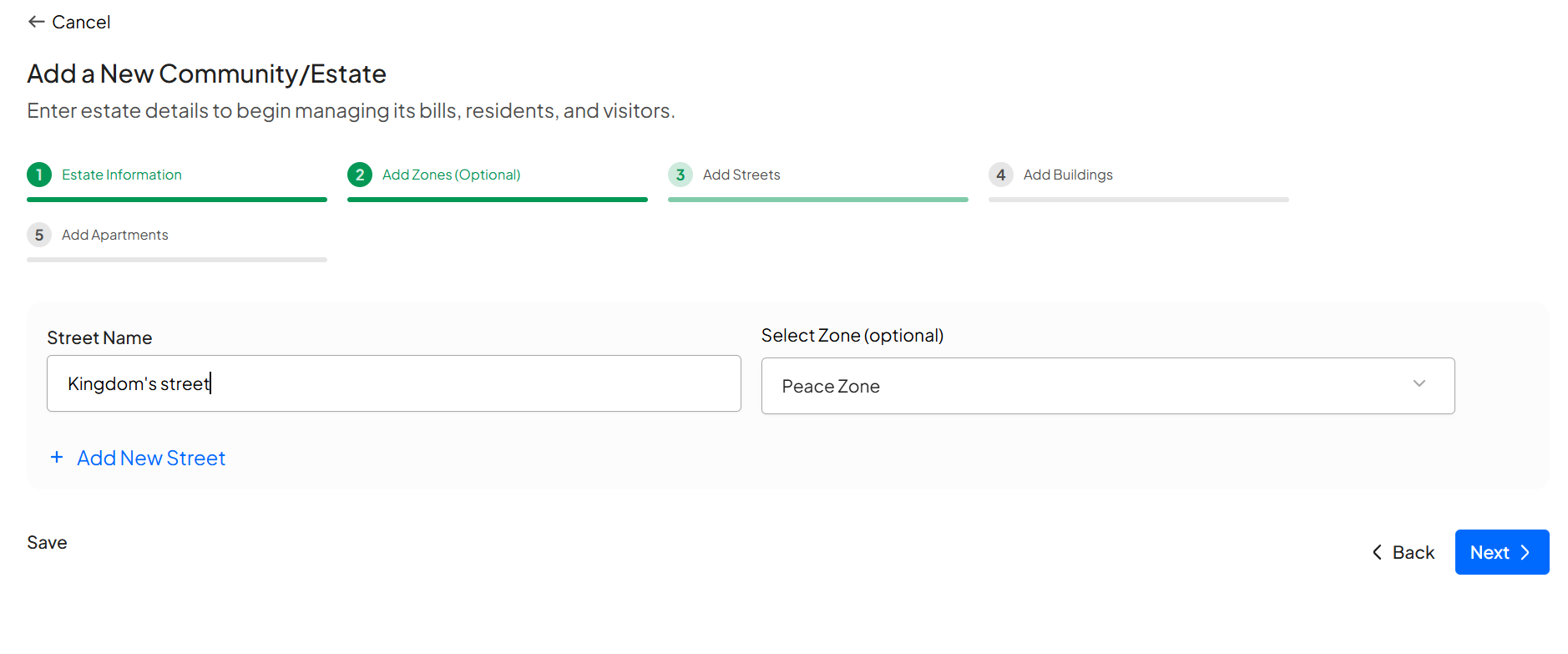
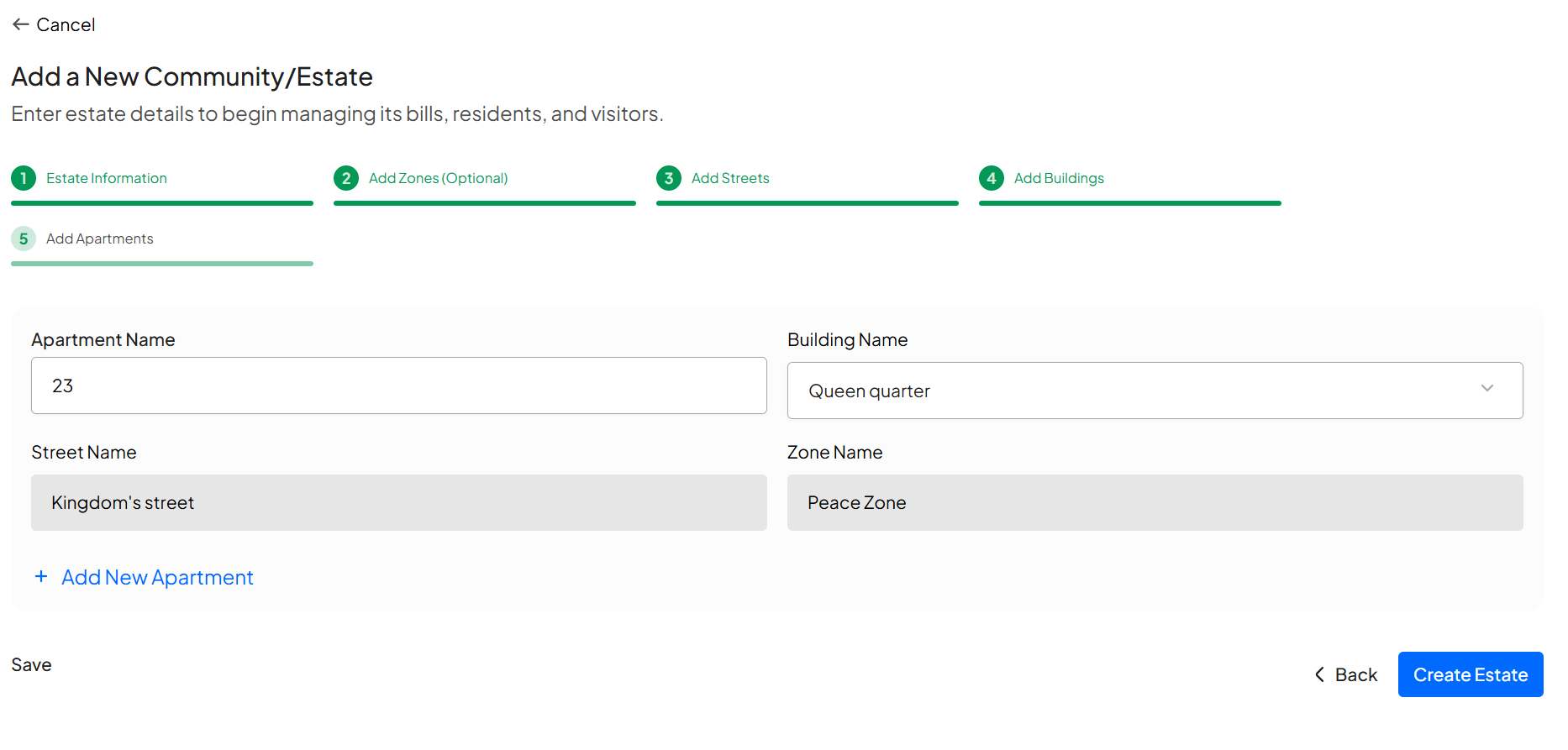
After you have filled the necessary information, click on the “Create Estate” button
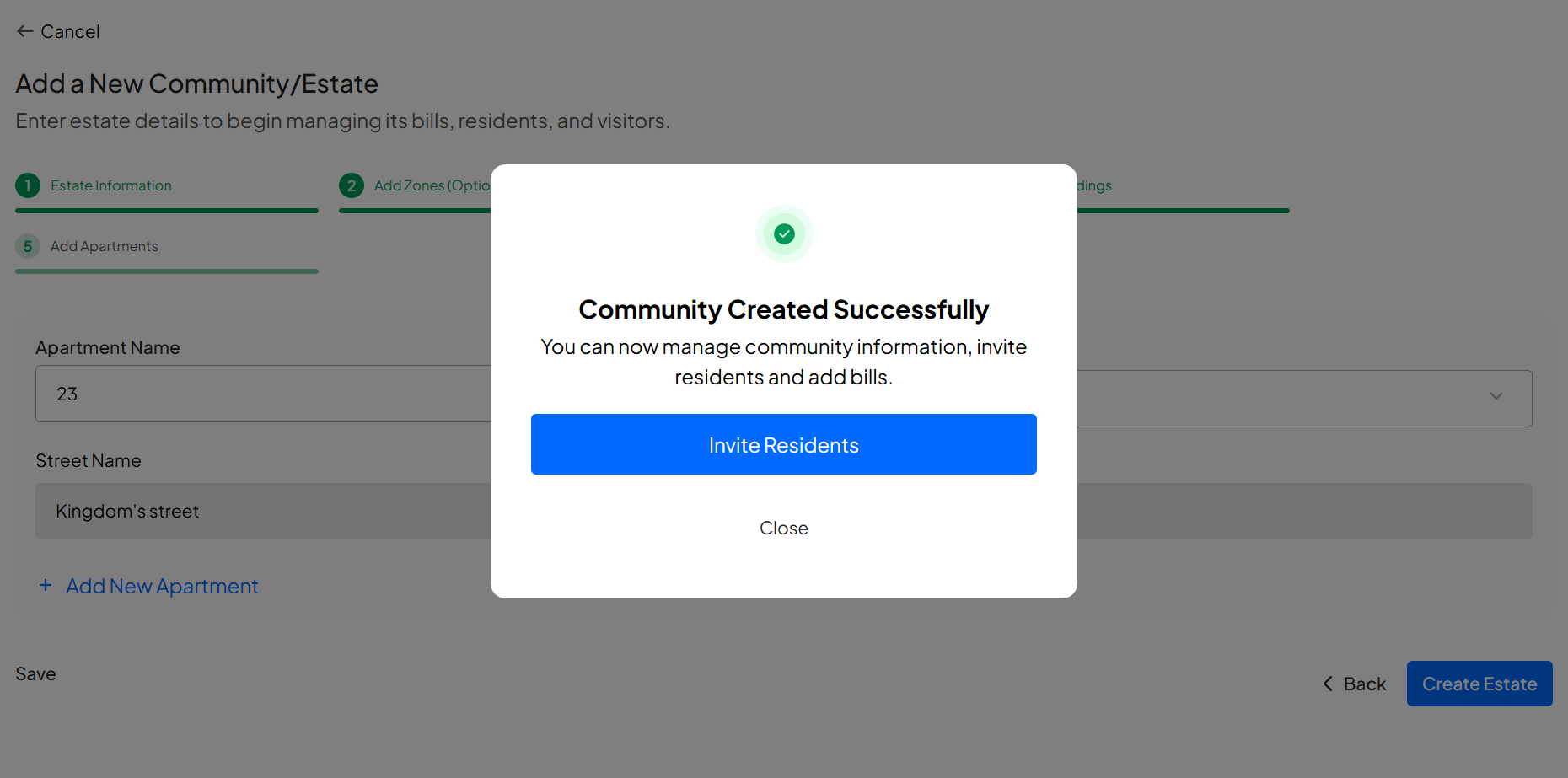
Congratulations, You have successfully created an estate. Enjoy!
Learn how to create an account and sign in to your dashboard.
Learn how to switch between your estates.
Learn how to add new residents via link generation.
Learn how to view and edit estate details.